
Phones and the internet in Japan: eSIMs, pocket Wi-Fi and apps to install
You'll use your phone constantly in Japan: for maps and train times, translating menus and signs, and earthquake and weather alerts. Getting online is easy, but sort it out before you go.
Getting online
- Roaming: check what your own provider charges. Some plans include Japan; others are expensive.
- Travel eSIMs: the cheapest and easiest choice for most visitors with a recent phone. Buy one online before you leave, install it at home, and switch it on when you land. Your phone must be unlocked and support eSIMs.
- SIM cards: prepaid SIM cards for visitors are sold at the big airports and electronics shops. Like eSIMs, they're usually data-only: a Japanese plan with a phone number needs a residence card.
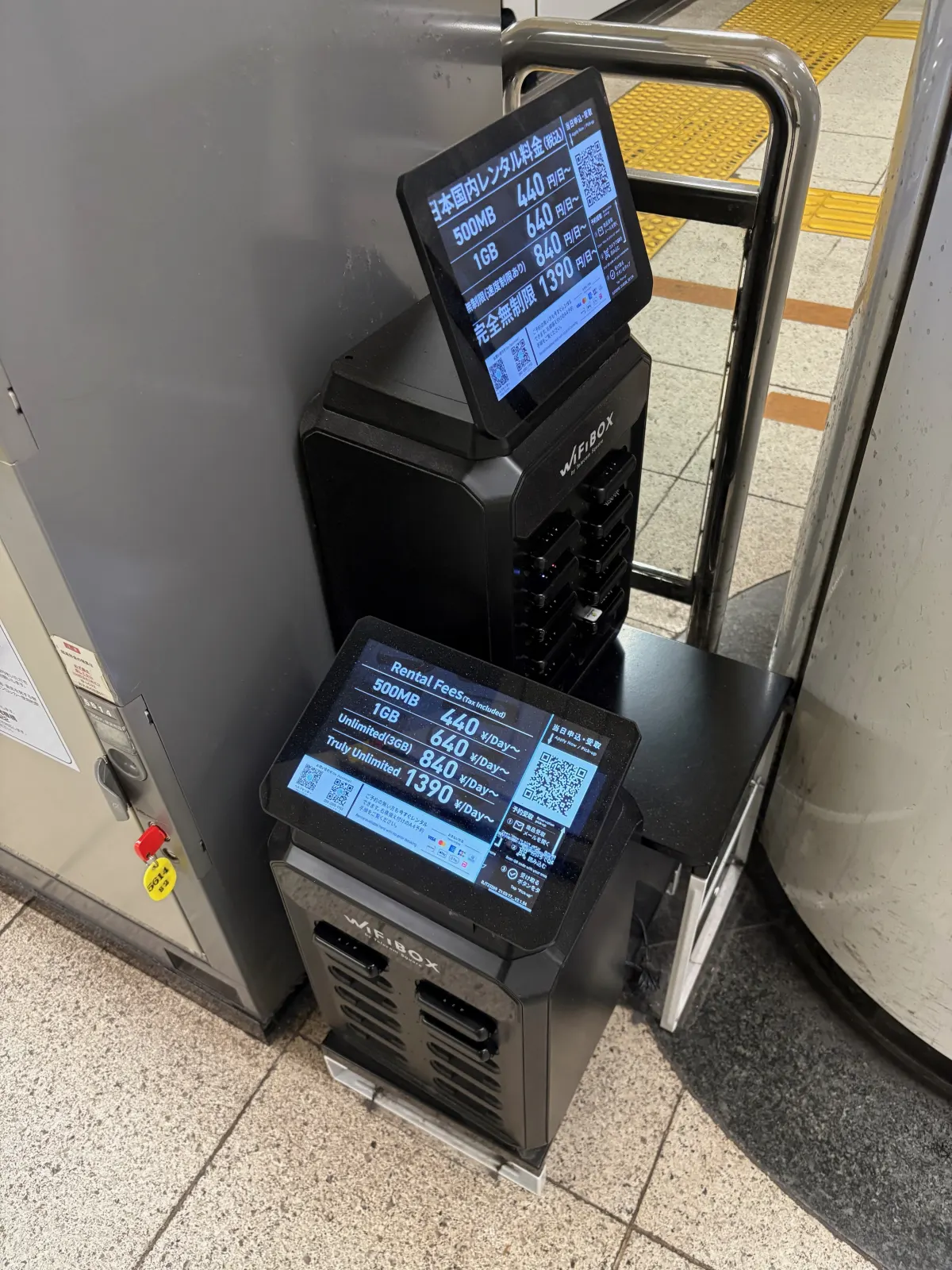
- Pocket Wi-Fi: a small rented router you carry with you, which several people can share. Collect it at the airport or have it sent to your hotel, and post it back at the end. Remember to charge it every night.
- Free Wi-Fi is common in hotels, many stations, convenience stores, cafés and on the shinkansen, but it's patchy, and you often have to sign up for each network.
With a data-only eSIM or SIM, you won't have a Japanese phone number. That's fine for most things, but a few restaurants and booking services ask for one: ask your hotel to help.
Apps to install before you go
- Google Maps works very well in Japan, with train and bus times, platforms and fares. Japan Transit Planner (Jorudan) and NAVITIME's travel app are good for planning train journeys.
- Safety tips, from the Japan Tourism Agency, sends earthquake early warnings, tsunami warnings and weather warnings in English and other languages. Install it: phones from abroad don't always get the Japanese alerts. See Earthquakes and safety in Japan.
- Google Translate or a similar app: point the camera at a menu, sign or ticket machine to translate it. Download the Japanese language for offline use.
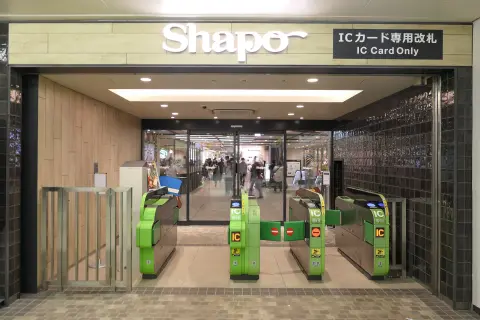
- Your IC card: Apple Wallet, or JR East's Welcome Suica Mobile app on iPhone. See IC cards in Japan.
- Train tickets: the smart EX app books seats on the shinkansen between Tokyo, Kyoto, Osaka, Hiroshima and Fukuoka. See Trains in Japan.
- Taxis: GO, Japan's biggest taxi app, works in English, and Uber calls taxis in Tokyo and other cities.
- Restaurants: Tabelog, Japan's biggest restaurant review site, has an English version, and sites such as TableCheck take bookings in English. See Food and drink in Japan.
- NHK World-Japan: news in English, including warnings of earthquakes and typhoons.
Using your phone politely
On trains and buses, put your phone on silent ("manner mode", as it's called in Japan) and don't make calls: step out to the area between the cars on the shinkansen. Don't take photos of people without asking, especially in Kyoto's geisha district, and never inside temples where signs ask you not to.
Plugs and power
Japan uses two-pin flat plugs (type A, like North America) and 100 volts, lower than most countries. Phone, camera and laptop chargers usually work on anything from 100 to 240 volts, but check hair dryers and other appliances. Many older sockets have no hole for an earth pin, so bring an adaptor. Hotels often have USB sockets by the bed, and convenience stores sell power banks and cables.


Comments
No comments yet.