
Phones and apps for India: SIM cards for foreigners, eSIMs and what to install
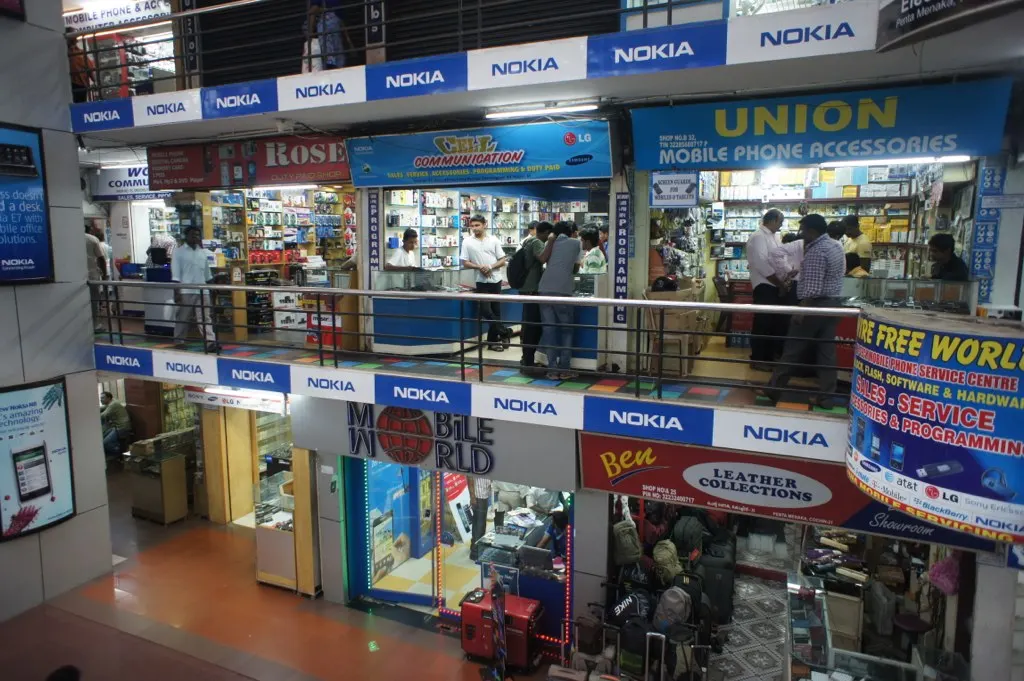
You'll want mobile data in India, for maps, cab apps, train times and translation, and an Indian number makes many apps and bookings easier. Data is very cheap, but buying a SIM card as a foreigner takes some paperwork.
A local SIM card
- The main networks are Jio and Airtel, both with 4G and 5G in most of the country, and Vi (Vodafone Idea). Airtel and Jio have the best coverage in the mountains, though in Ladakh and remote areas, sometimes only the state network BSNL works.
- Buy from the operator's own store or a counter at the international airport, not a street stall. You need your passport, your visa (a printout of the e-Visa is useful), a passport photo (some shops take one), and an address in India, usually your hotel's, sometimes with the name and number of a local "reference" person, who may get a call to confirm.
- It can take a few hours, occasionally a day, for the SIM to be activated after checks. Buy it on your first day, in a big city.
- Prepaid plans with plenty of daily data cost little. Tourist SIMs are tied to your visa and stop working when it ends.
- Your phone needs to be unlocked. Both Airtel and Jio can give you an eSIM instead of a physical card, from a store.
Travel eSIMs
The easiest option is a travel eSIM from an international provider, which you buy online and install before you fly, and which works as soon as you land, with no paperwork. It costs more than a local SIM, gives you data but usually no Indian phone number, and may use a local partner network with weaker coverage in remote areas. Many visitors use an eSIM for the first few days, and buy a local SIM if they need a number.
Wi-Fi
Most hotels, guesthouses and cafés have Wi-Fi, though it's often slow. Airports and some stations have free Wi-Fi, which usually needs an Indian number for the code. The internet is sometimes shut down for security reasons in some areas, especially Jammu and Kashmir and the northeast.
Apps to install before you go
- Maps: Google Maps works well across India, including for walking, the metro and public transport in big cities. Download offline maps for the mountains.
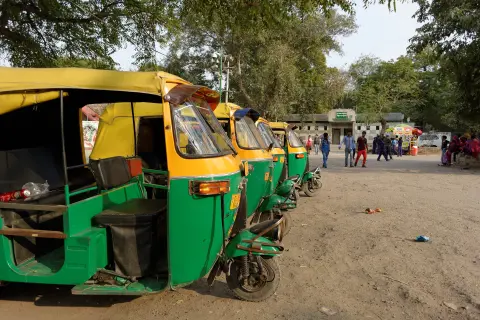
- Cabs: Uber, Ola and Rapido. See Getting around.
- Trains: IRCTC Rail Connect (for your tickets), ixigo and Where is my Train (for times, platforms and running status). See Trains.
- Flights and hotels: the airlines' own apps, plus MakeMyTrip or similar Indian booking apps (some need an Indian card).
- Food delivery: Zomato and Swiggy, which also show restaurant menus and reviews. They need an Indian number.
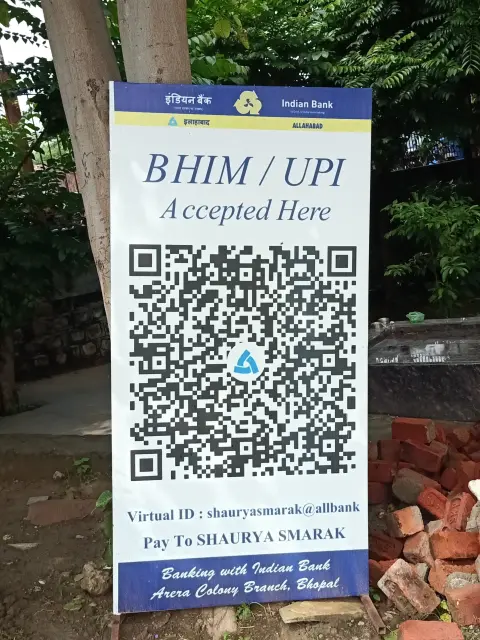
- Payments: a UPI wallet, if you can get one. See Money.
- Translation: Google Translate, with Hindi and the languages of the states you're visiting downloaded for offline use. English is widely spoken in cities and tourist areas.
- Air quality: an AQI app, if you're in the north in winter. See Staying healthy.
- Emergencies: the 112 India app.
- WhatsApp: almost every hotel, guesthouse, driver and guide in India uses it.
Plugs and power
India uses 230 volts, with round-pin plugs (types C, D and M). Most hotels have sockets that take two-pin European plugs; the big three-pin D and M sockets need an adaptor. Power cuts happen, so a power bank is useful.
See also: Arriving in India.
Comments
No comments yet.