
Phones and the internet in New Zealand: SIM cards, eSIMs, coverage and plugs
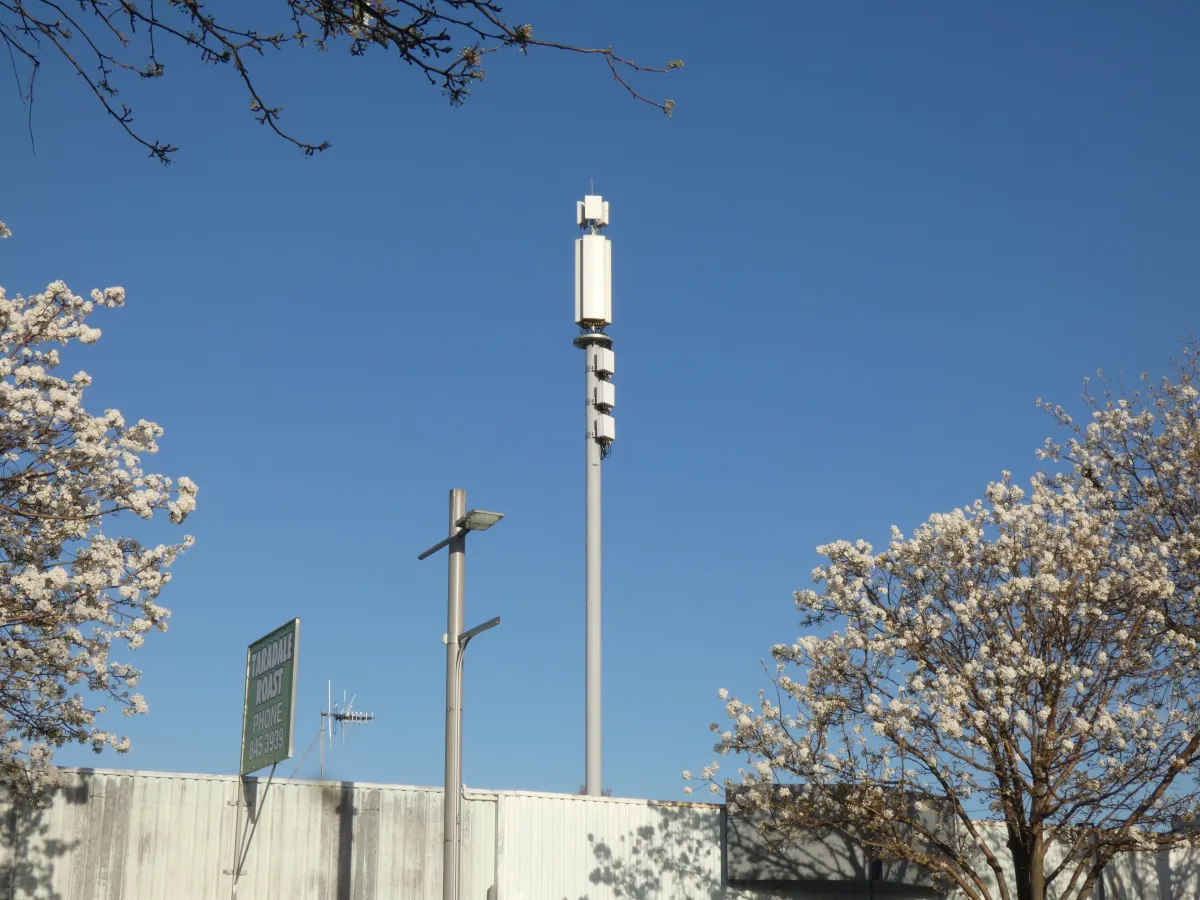
A local SIM or eSIM is cheap and takes a few minutes to set up. The thing to plan for is the lack of signal once you leave the towns and main roads.
Phones and internet
- SIM cards and eSIMs: New Zealand's three mobile networks, One NZ, Spark and 2degrees, sell prepaid SIM cards and eSIMs with data, at the international airports, in their shops and in supermarkets. You'll need your passport. They're much cheaper than roaming on most foreign plans.
- Coverage is good in towns and along the main highways, but there's none on many mountain passes, in much of the West Coast and Fiordland, and on most walking tracks. Download maps to your phone before you set off, and carry a personal locator beacon on long walks.
- Wi-fi is free in libraries, many cafés and town centres, and at most holiday parks, though it can be slow.
- Emergencies: dial 111 for police, fire or ambulance. It works even without credit.
Plugs and power
New Zealand uses 230 volts and three-pin plugs with flat, angled pins (type I), the same as Australia. Bring an adaptor, which you can also buy at the airport or in any supermarket.
Before you lose signal
- Download offline maps, your bookings and the weather forecast before you leave town.
- Tell someone where you're going if you're walking or driving somewhere remote, and when to expect you back. A text to a friend is enough.
- Don't rely on your phone in the hills. Carry a personal locator beacon, which you can hire in the main walking towns: see walking and tramping safely.
- Keep a charger in the car: a phone looking for signal all day runs down fast.
- Emergency Mobile Alerts, which are loud, are sent to phones in an area during floods, fires or a tsunami warning. Read them and do what they say: see earthquakes, tsunami and volcanoes.
See also money in New Zealand, arriving in New Zealand and what to pack.





Comments